YOUR EMAIL WAS SENT SUCCESSFULLY Color

Hello,
I would like to change the green color of the message YOUR EMAIL WAS SENT SUCCESSFULLY from green to no background color, how do I do that please?
Thank yo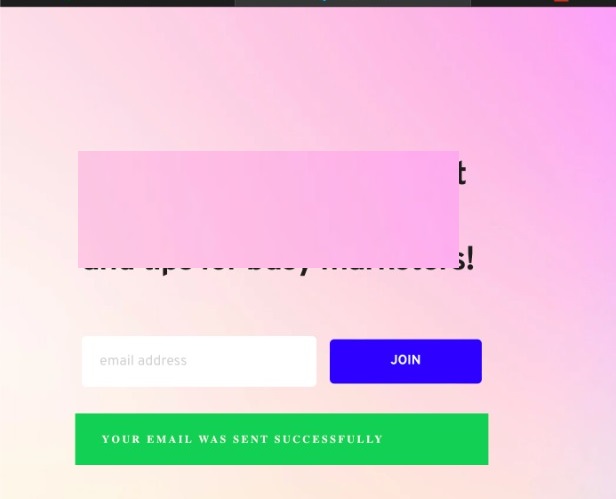
-

Hello,
Thank you for contacting us.
I'm sorry but at the moment isn't possible to change the background colour of this box. You can try adding a Custom CSS code for changing it. For example, you can add this code, here on the column where is added the form:
.brz .brz-forms2__alert--success {
background-color: grey !important;
}Best regards, Nelea
0 -
thank you Nelea, I will do that but I don't want a grey background color, I want no background color, how can I do that please?
Thank you
0 -
Hi,
Instead of the Grey word, you should add the word with the color that you need.
Best regards, Nelea.
0
Please sign in to leave a comment.
Comments
3 comments