Google Fonts

How can I remove Google Fonts? In Germany it is no longer allowed.
-

Hi David,
Please watch this video for the procedure to replace Google hosted fonts with local fonts. https://jmp.sh/ilw8LCU
0 -
Hi, that does not work. I have changed all fonts but the „Google Fonts Checker“ continues to find Google Fonts.
0 -
Hi David.
It is possible to get rid for all font requests going to Bunny Fonts or Google Fonts for a Brizy Cloud website. Please have a look at this website for an example. https://school123.brizy.site/
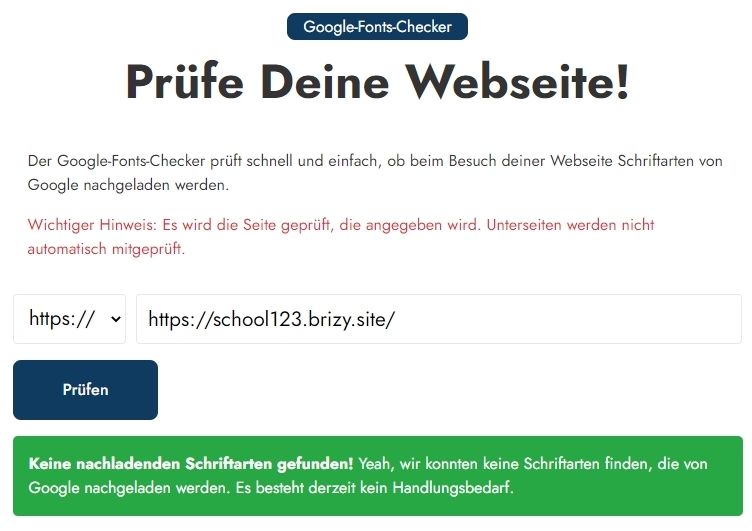
Please also review the website waterfall in the GT Metrix performance report, which verifies that no font requests are being sent to Google Fonts or Bunny Fonts. https://gtmetrix.com/reports/school123.brizy.site/8FY1sONy/
Could you please provide the URL of your website so that we may check it? We can assist you in eliminating all HTTP requests to external font hosting providers.
0 -
Hi, It's about this website: https://www.businesscenter-herne.de/
0 -
Hi David,
Two requests for Lato fonts are being sent from your website to fonts.gstatic.com. Lato being set as the Default Font may be the cause of this. Please make one of the local fonts your Default Font in order to stop making these two font requests to Google. To learn how to set a new default font, see the video below. https://youtu.be/UK9rWiZsdXs?t=20 This video is meant for Brizy WordPress. Since changing the default font in Brizy WP and Brizy Cloud is the same process, you can follow the steps in this video.
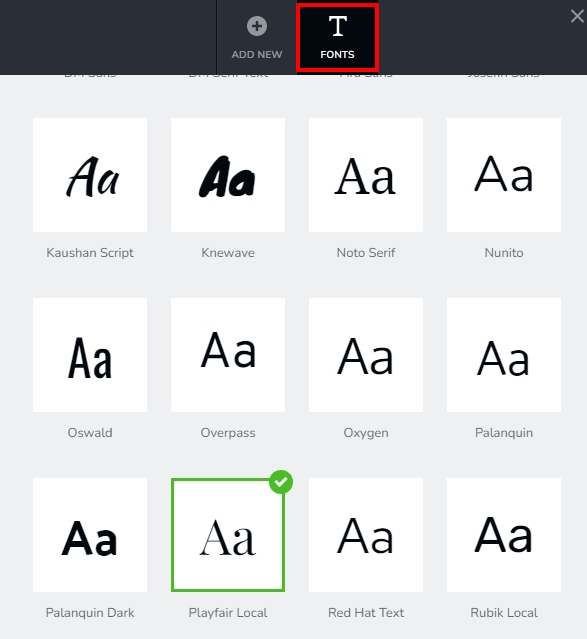
Also remove the Lato font from the list of available fonts. Once you complete these steps, please check if your website makes any font request to Google Fonts.
0 -
Hi, I am not able to remove Lato from the list of available fonts. This is not possible. In addition I am not able to change the Default Font.
0 -
Hi David,
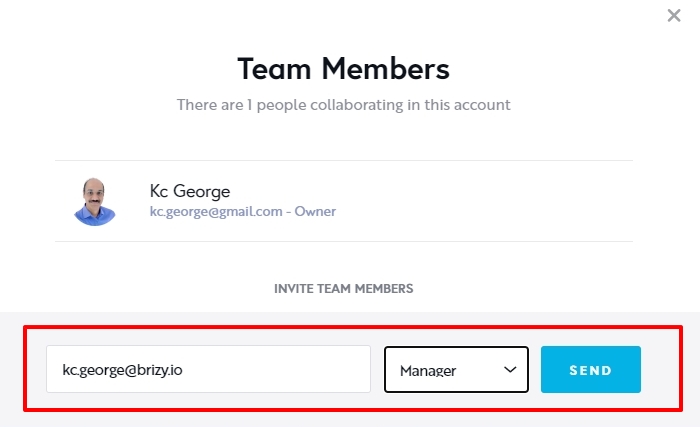
I can help you with this. Can you please add me as a Team Member to your project? My email: kc.george@brizy.io. Please assign me the 'Manager' role.
 0
0 -
Thanks a lot. I have invited you.
Best regards
David
0 -
Hi David,
Your project https://www.businesscenter-herne.de/ uses the outdated Brizy Cloud project format. Lato could not be removed from the default font as a result. I have rebuilt the website in the current Brizy Cloud project format.
In your Brizy Cloud Dashboard, the newly created project is called BusinessCenter New.
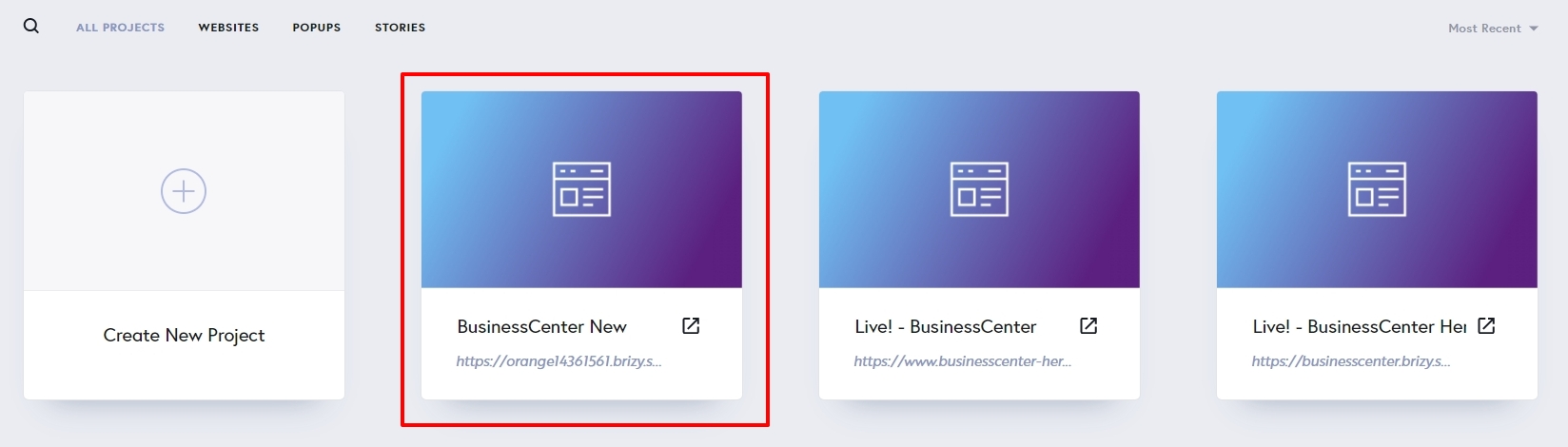
The new project is published on the subdomain https://orange14361561.brizy.site/ There are no HTTP requests made to Google Fonts from this website.
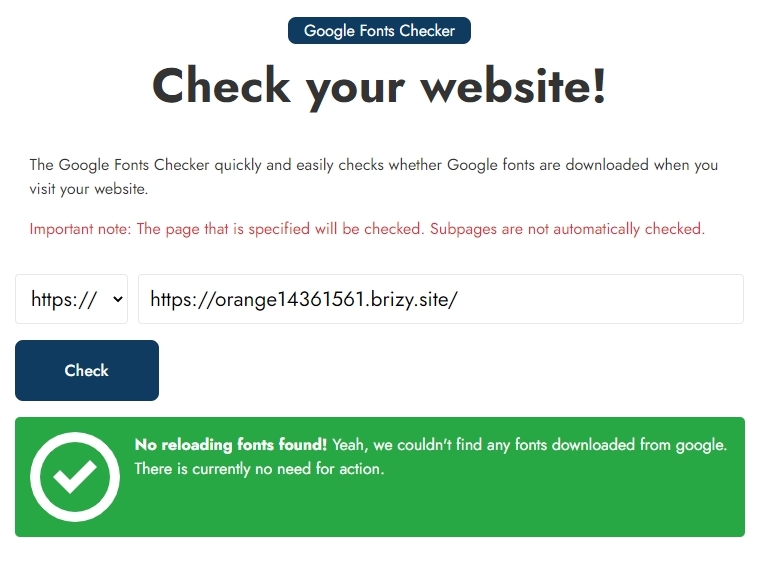 Please verify that the new website appears exactly like your existing website, which is located at https://www.businesscenter-herne.de/ Please remove the custom domain from https://www.businesscenter-herne.de/ if both seem identical.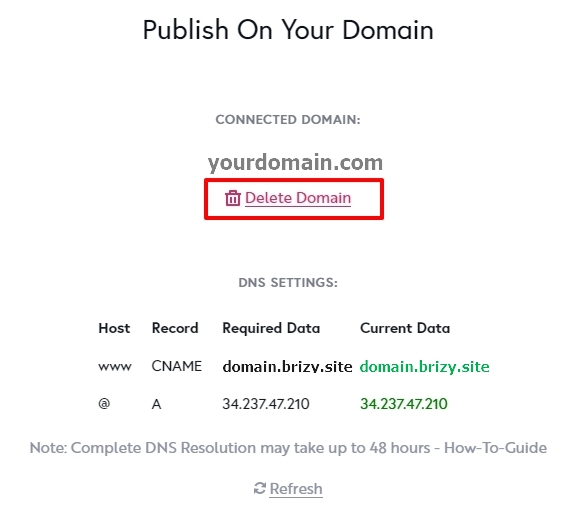
Add the same custom domain to the newly added project and sign in to your domain registrar account and modify the CNAME to orange14361561.brizy.site
0 -
Hi George,
so I have to rebulit all landingpages. That is not good and a lot of work. Best regards David
0 -
Hi David,
If the landing page was created using the old Brizy Cloud format, you will need to rebuild it. If you need help with this, I can do it for you. You need to check if everything looks exactly same and publish it using the custom domain
0
Please sign in to leave a comment.
Comments
11 comments