How can I change the payment method?

Hello
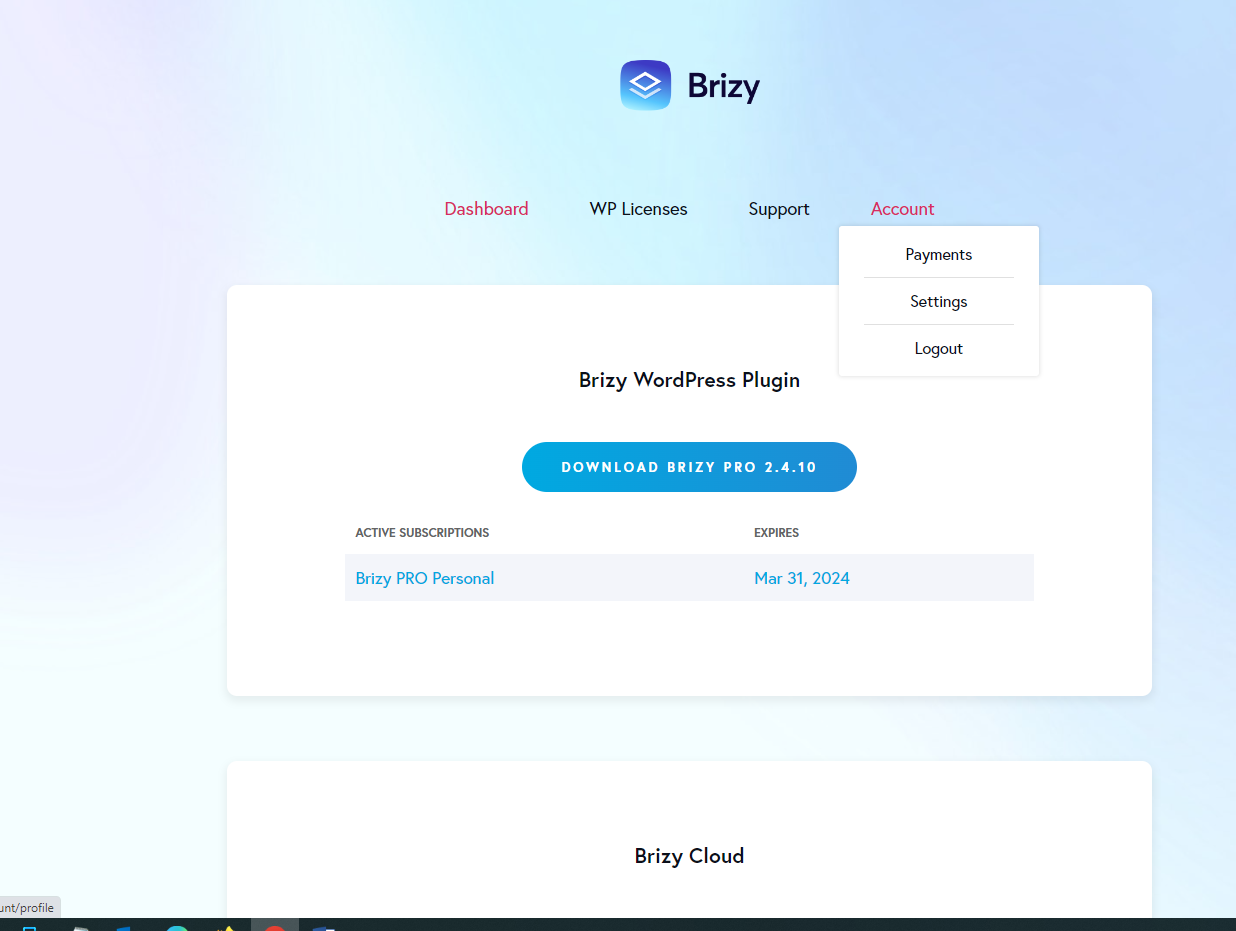
I need to change the payment method but I can't find the option in Account -> Payments. I'm subscribed to Personal Cloud.
Thank you
-

Hi,
Thank you for your message.
If you want to change the credit card payment you will need to go to your Account, click on Payment and scroll down until you will see Update. Please click on Update and change the credit card.
Best regards,
Nelea.
0 -

Hi,
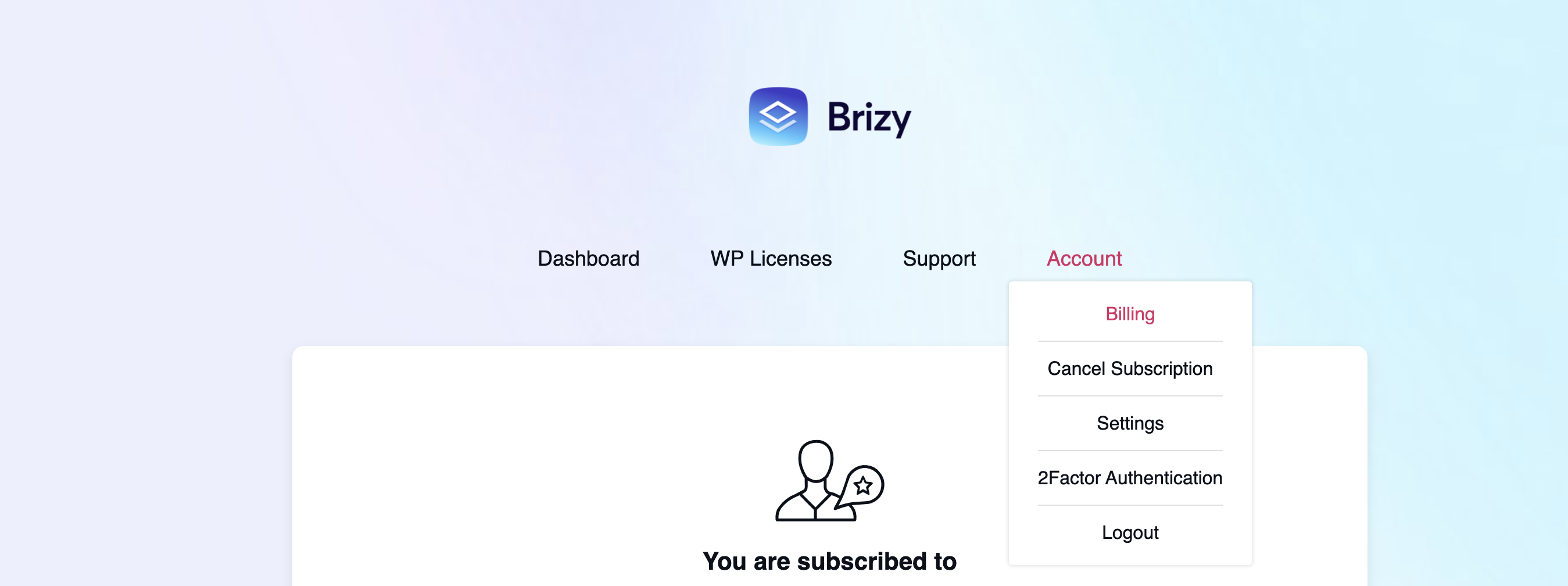
I am trying to payment card on my account and I do not see the options for 'payments' under the Account menu. The attached screenshot is all I see. And 'Billing' doesn't give me the option to change my card details.
 0
0 -

Hi Manji
Thank you for reaching out to us.
In order to upgrade your payment details, please follow these instructions:
1. Log into your Brizy account, using the login page https://www.brizy.io/account/login
2. Navigate to Account >> Payments tab - https://jmp.sh/fHDasvRG
3. Click on the Edit Icon, next to your credit card information - https://jmp.sh/QRsnixGt
4. Select “Add New Payment method”
5. Add new credit card details.If you have any further questions or if there is anything else we can assist you with, please don’t hesitate to reach out.
Best regards,
Ariel H.0
Please sign in to leave a comment.
Comments
3 comments