YITH Price filter

Hi,
I'm using the YITH price filter plugin (PRO). When selecting a price range (let's say max price €10). The results will stay the same.
How can I fix this?
The issue is concerning www.vitacomfort.nl
Many thanks
-

Hi Stijn,
If I remember correctly, the product filter used to work fine with your staging site? We don't have much experience making the YITH filter work with Brizy. If you do not have success with it, we can take a look.
If you want us to take a look, please add me as a user to your WordPress Dashboard. My email: kc.george@brizy.io. As shown in this screenshot: https://jmp.sh/sOSGGR3, please turn on the option "Send the new user an email about their account"
Please let me know here when you send me an invitation.
0 -
Hi KC,
Yes correct, on the staging it worked fine. I have send you the invitation.
Many thanks
0 -
Hi Stijn,
Please have a look at this category archive page https://vitacomfort.nl/product-categorie/gezondheid/ Please verify that everything on this page functions properly. If so, kindly substitute this saved block from your block library for the block with the archive element in each category archive template. https://jmp.sh/Pg0Rf1Iq
0 -
Hi KC,
The price filtering works fine with the changes you made. However, when you go to the category page "bad, douche & toilet" (i've added our template here), it shows all the products, also from different categories.
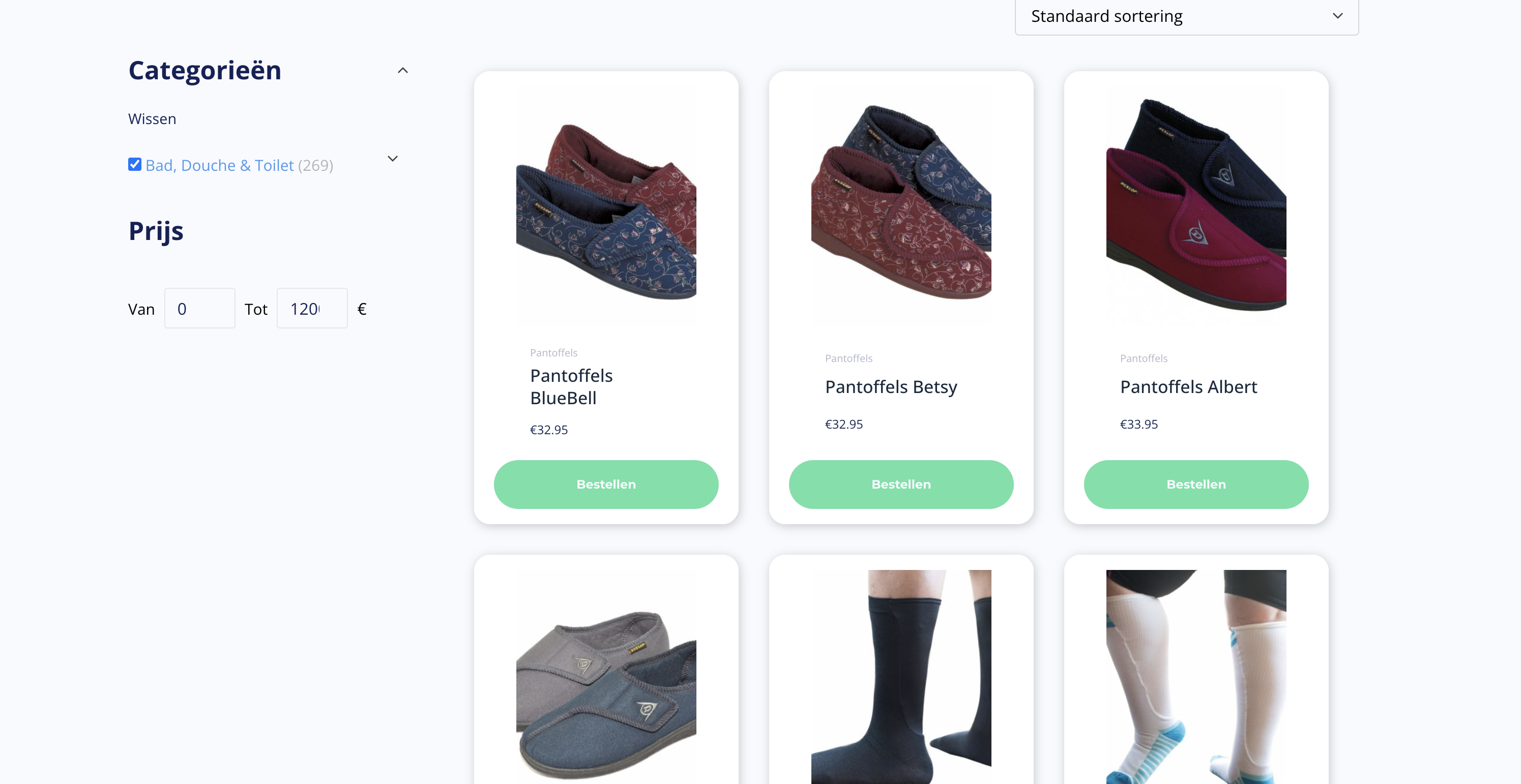
And if I include a filter in the archive product element on category level, it shows the correct products. However, the filtering doesn't work.
It seems that:- Archive element: Category filtering works fine, price filtering works not
- Product archive element: Price filtering works fine, category filtering works not
Have you any idea how we could fix this?
Many thanks.
0 -
Hi KC,
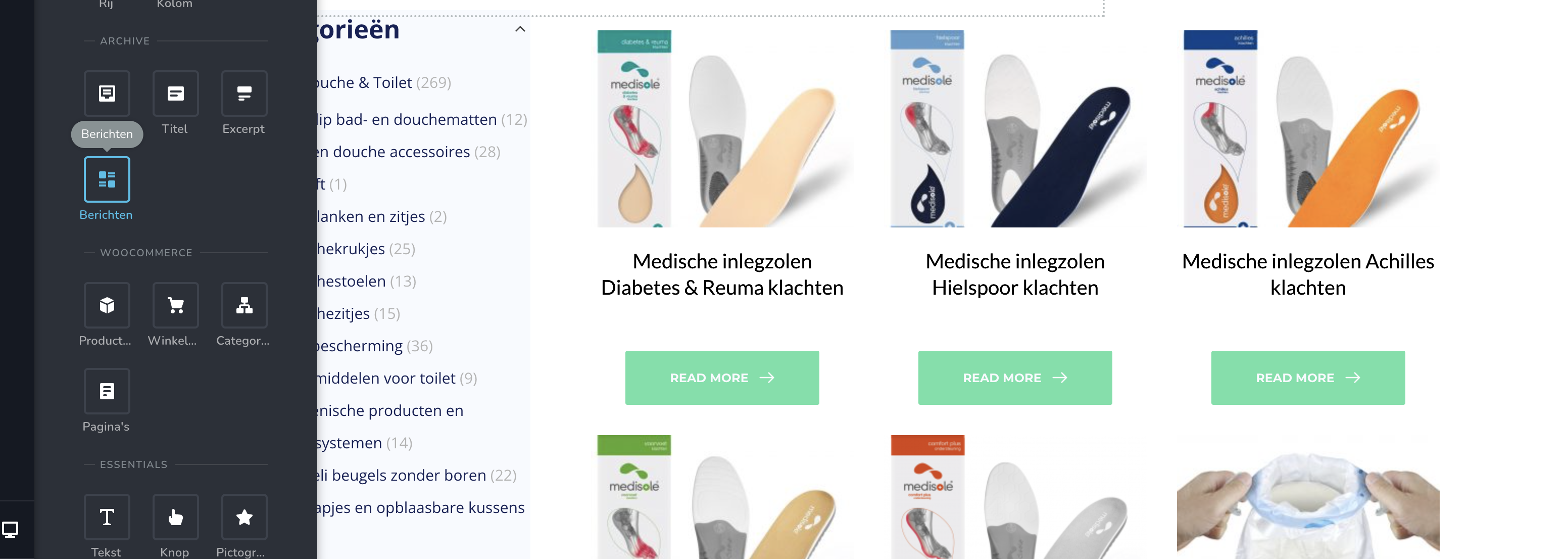
I think I found the sollution. I used the message element (and selected products). Now both seem to work.
 0
0 -
Hi Stijn,
Please have a look at your Bad Douche Toilet category now at https://vitacomfort.nl/product-categorie/bad-douche-toilet/ You will notice that both the category and pricing filters are working well.
Like I had suggested above
- Delete the block with the archive element in your category archive templates
- Add the category archive block I had made yesterday from your saved blocks. https://jmp.sh/Pg0Rf1Iq
Please watch this video for the procedure. https://jmp.sh/DN1vN0iR
For these two categories, I have already added the right block. You need to do it for other categories
0
Please sign in to leave a comment.
Comments
6 comments