Brizy breaks frontend after update

Hey guys,
I am having issues updating Brizy and Brizy Pro on WordPress. After a recent update some site functions go down:
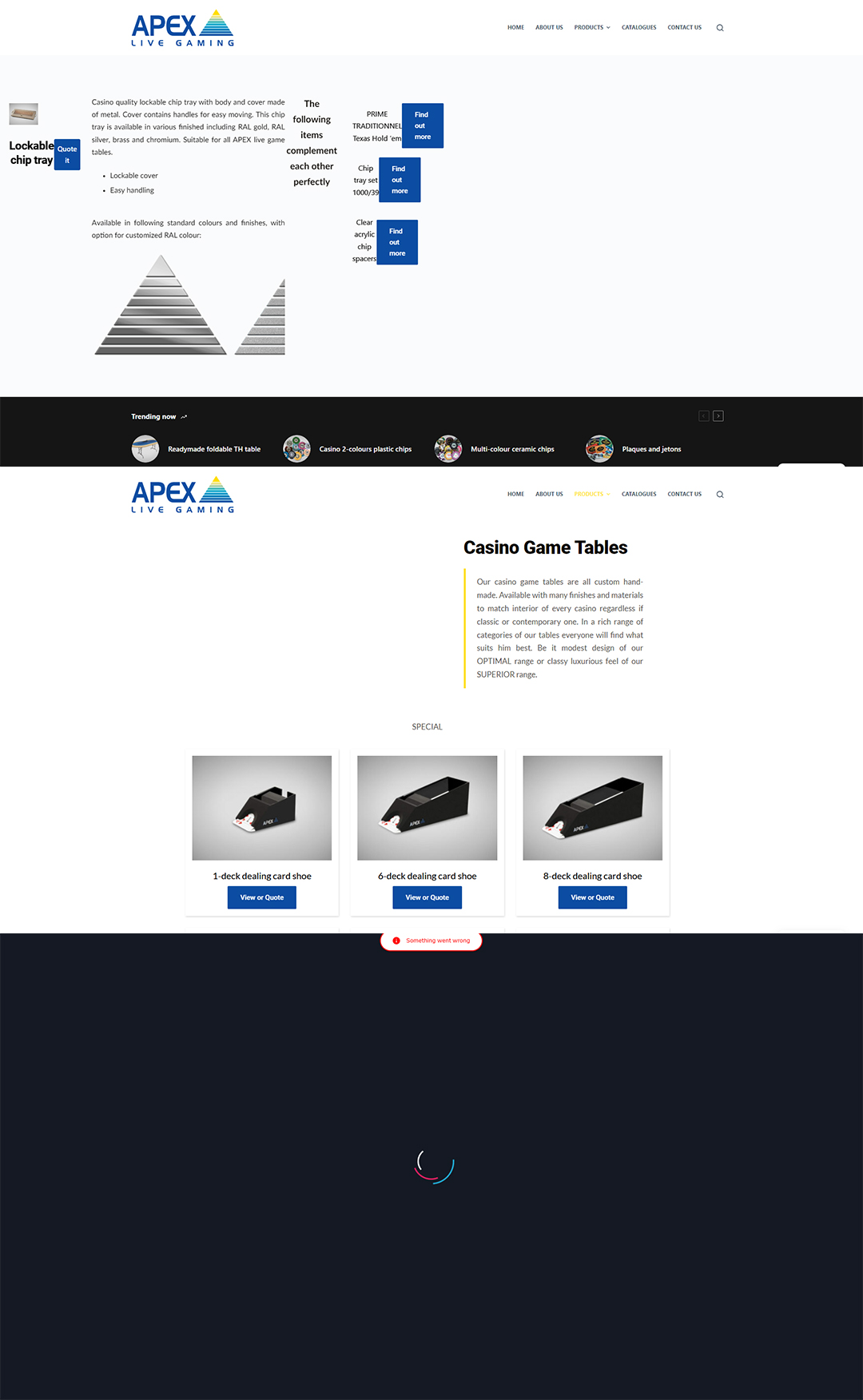
- Product template frontend is broken
- The product template can not be edited by admin
- Each woo-category is showing every single product, even those not in the particular category.
Any tips on how to solve this issue? I wish to have all plugins updated, but can not update Brizy now.
Regards
Palo
-

Hi Pavol,
We are sorry for the inconvenience. Can you try these?
- Please deactivate the Code Snippets and Complianz plugins temporarily and see if that makes a difference
- Please sign into your hosting account and check if any security, firewall, malware protection, DDOS system is enabled on your account. Please disable such systems and see if that makes a difference.
If these do not help, we would like to take a look at your project to offer further help. Please add me as a user to your WordPress Dashboard if you need assistance with this. My email: kc.george@brizy.io. As shown in this screenshot: https://jmp.sh/sOSGGR3, please turn on the option "Send the new user an email about their account"
Please let me know here when you send me an invitation.
0 -
Hello KC George,
I tried deactivating all plugins, but it makes no difference. The same goes for our hosting.
The website was running fine for about a year. The problem emerged with updating Brizy to the latest version. I have restored the older version of the website, so at this moment Brizy is not updated. My colleagues are attending a trade show, so we need the site to run.
You should receive the admin invitation soon.
0 -
Hi Pavol,
I have fixed a few minor issues with Brizy Template Display Conditions. I would like to update to the most recent Brizy versions and see if there are any problems.
What time would be ideal to test the Brizy updates? If you need to roll back to an earlier version, do you still have the old backup?
0 -
Hi KC George,
thank you. You can update anytime. If things go south I will restore the site from the backup.
For the issues with Template Display Conditions - if those were caused by me I would be glad if you let me know what I have done wrong, so I can prevent such problems in future.
0 -
Hi Pavol,
I have just updated to the latest Brizy releases. Looks like the product pages are unaffected. Please check if everything woks fine.
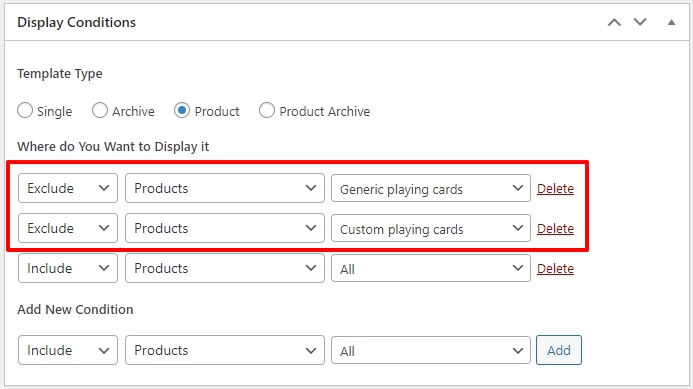
I have added two Exclude conditions to the Basic Product Brizy Template. This is because you already have Brizy templates for the 'Generic Playing Cards' and 'Custom Playing Cards' categories.
 0
0 -
Thank you. I will be aware of this in the future.
It seems like this particular issue is resolved now. But woocommerce categories are still not working properly.
When you look at the product catalogue for example here: Playing Cards – Apex Live Gaming (apex-livegaming.com) - there should be only playing cards categories visible. Or here: Wheels of Fortune – Apex Live Gaming (apex-livegaming.com) - only wheels of fortune should be visible (just one product in this category). But as you can see, all product are visible, regardless of category.
0 -
Hi Pavol,
I have fixed the issue with these pages
This issue was due to the recent Brizy update. Products element needed a reset after the last update. I removed the filter selections and added it again and it started working again. Sorry for this inconvenience.
0 -
Hi KC George,
Thank you for your help. I reset the other categories and it is working now. Thank you for the support, appreciate it.
0
Please sign in to leave a comment.
Comments
8 comments