Horizontal scroller for pricing block

This is a test website as I am experimenting trying to replicate certain functionalities.
In my website home page i have used the pricing block check first link, and on mobile, each product shows below the other, if you see the other link which is the example, I am trying to replicate the products show as a scroller, what would be the easiest way to achieve this in brizy builder?
Home page - test woocommerce site (naqd.tech)
Puffy | The Official Puffy Mattress | Best Mattress Online

Thank you,
Usama
-

Hi Usama,
You can implement a pricing slider similar to the design at https://puffy.com/ on mobile using the Brizy Carousel element. Please have a look at this page for an illustration. https://digital-works.brizy.site/pricing-slider.
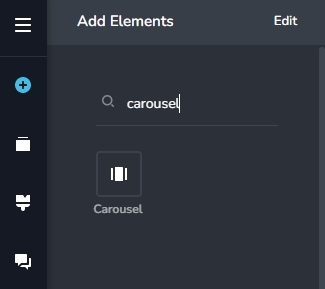
Feel free to watch this video for a broad idea on using this element. https://youtu.be/BpfohvR-O_U
In the reference website you have shown, the desktop design has columns and the mobile design has a carousel. To implement this with Brizy, you need to setup two blocks, one with the columns and the other with the carousel. You can hide the block with the columns for mobiles and tablets and hide the one with the carousel for the desktop.
0 -
Thank you for the answer, do I have to recreate the elements of the pricing in the carousel? or there is a way to combine the 2?
0 -

In Mobile screen size, please allow 2 columns for Carousel. now the default is 1 column and cannot be changed.
0 -

Hi Usama,
You should independently build a column and a carousel if you want a column on the desktop and a carousel on the mobile.
Best regards, Nelea.
0
Please sign in to leave a comment.
Comments
4 comments