edit page error

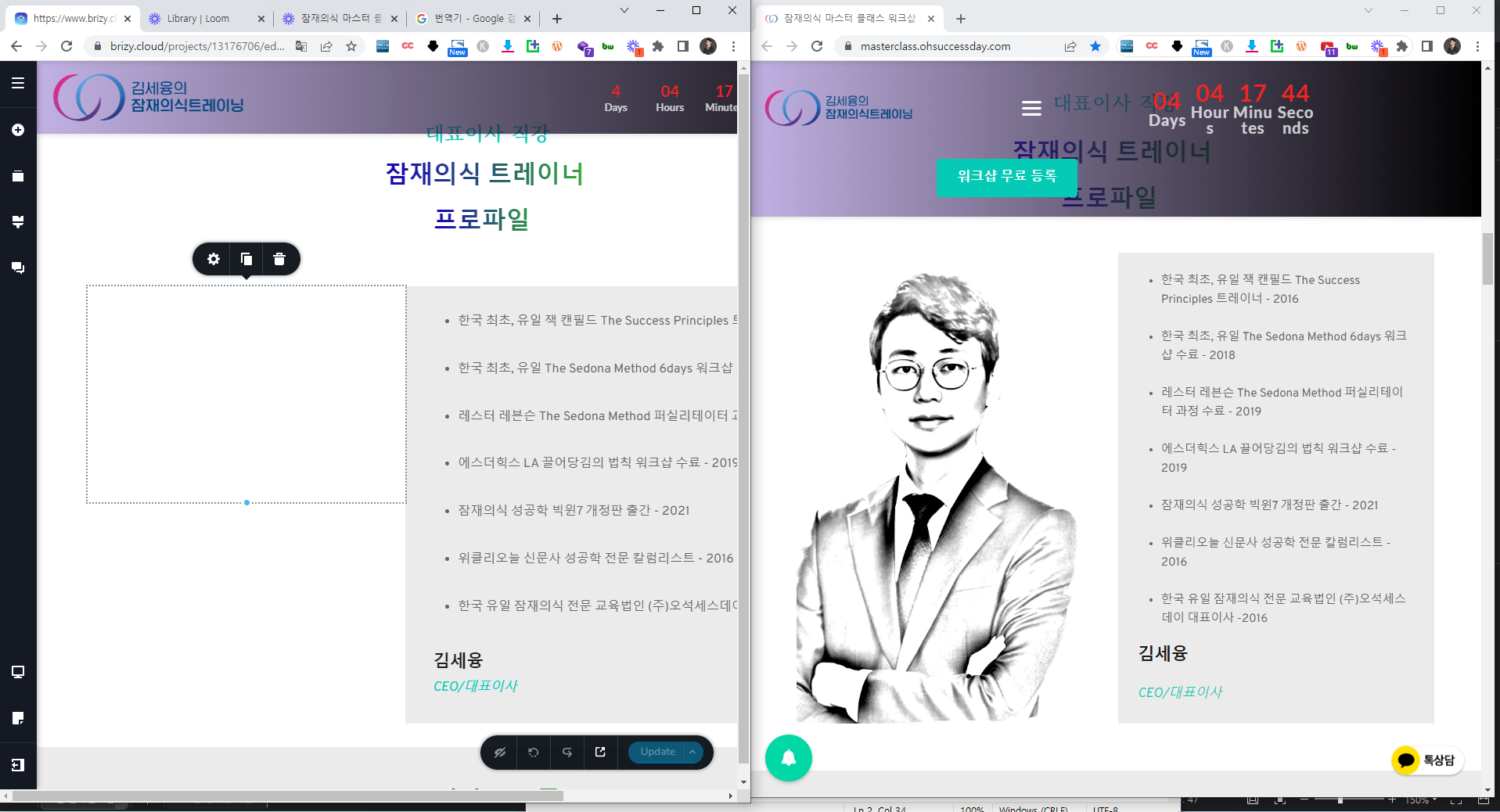
Whereas photos appear on web pages
The photo does not appear on the edit page, so I can't edit it.
How can we solve the problem?
The video and picture at the link below explains the problem.
https://www.loom.com/share/5461ffe8c8c34dce9a752f5f887d0cab
-

Hi
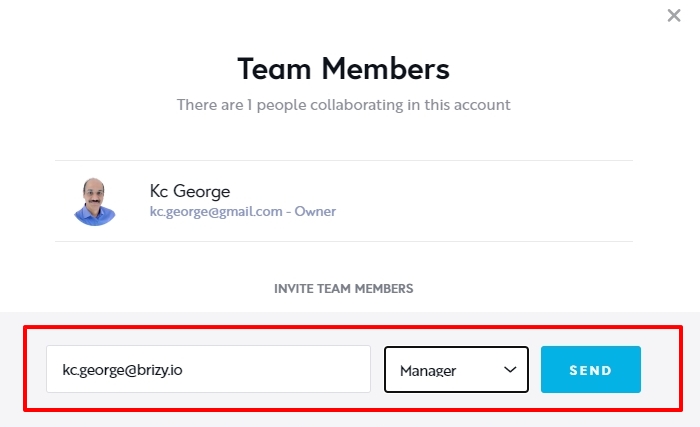
We need access to your project to help you with this issue. Can you please invite me to your project as a Team Member? My email: kc.george@brizy.io. Please assign me 'Manager' role.
Once you have sent me an invitation, please let me know here
 0
0 -
I invited you
The area in the picture below is sometimes working properly, but sometimes it doesn't appear as in the example above.
Please check together.
 0
0 -
Hi
Brizy Cloud is currently facing an issue with images using the 'Original' size. For the CEO photo, you were using the 'Original' size; I have change it to 'Custom' size. Now the image is visible in the editor.
Even for the curriculum section, I have selected the 'Custom' size for all images and it is visible in the editor now. Please check.
0 -
I can't even customize the image.
This is because the selection itself is not a selection in the image field.
Please check the video below.
0 -
Hi
The reason why you cannot edit the specific image is because it is added as a background to the column. Please see this video. https://jmp.sh/t0ydmxTn
0 -
When I click the link that you shared, It does not work as below picture.
Please check the link.
 0
0 -
Sorry, here is the right link: https://jmp.sh/t0ydmxTn
0 -
Thanks~!!
0
Please sign in to leave a comment.
Comments
8 comments